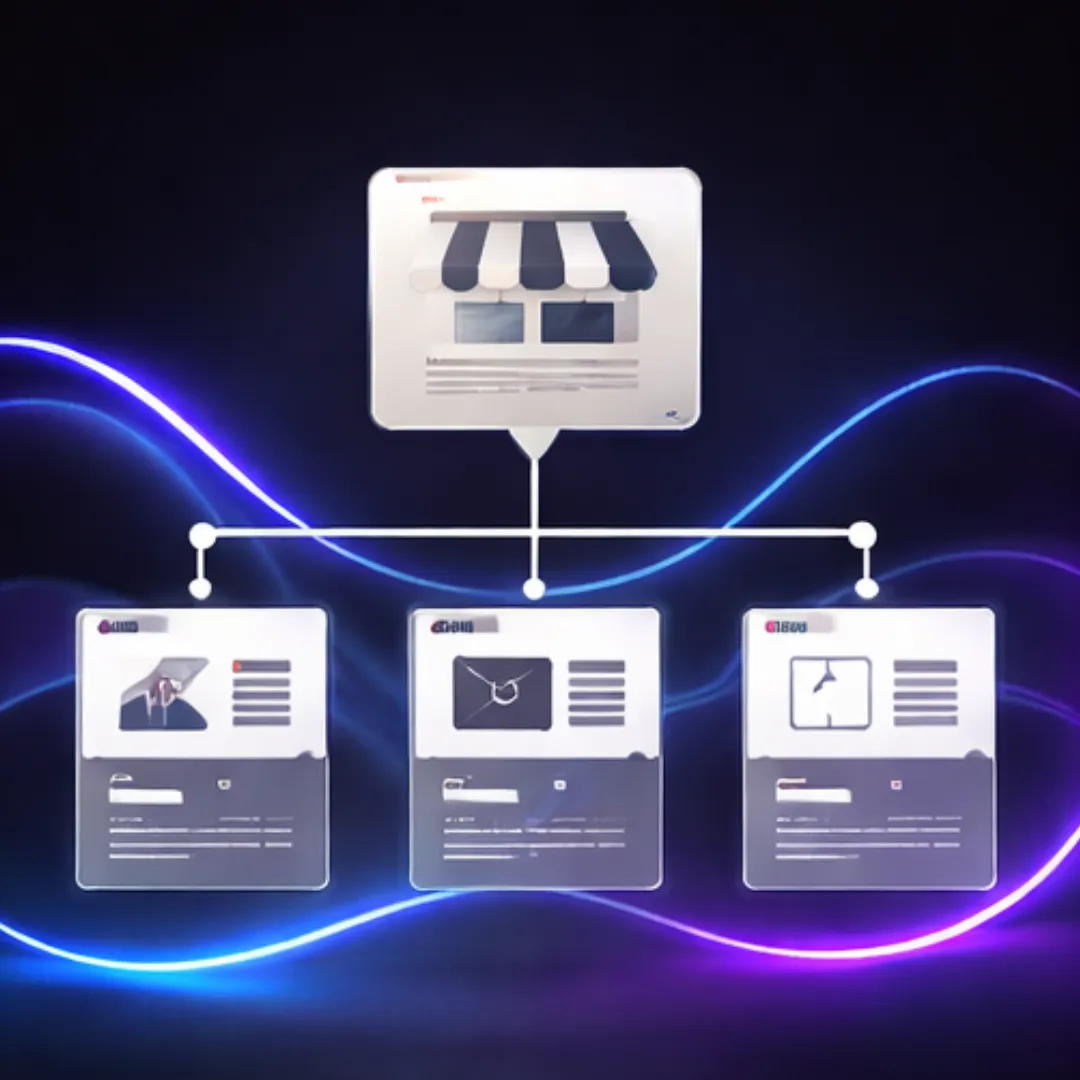
What Pages Your First Business Website Actually Needs
When small business owners start planning their first website, one of the biggest points of confusion is deciding how many pages are needed. Some believe a website must be large and complex to look professional. Others are told that a single page is enough for everything.
In reality, a first business website does not need many pages. It needs the right pages. Pages that clearly explain the business, support trust, and help Google understand what the business offers and where it operates.
This article explains which pages a first business website actually needs, why each page matters, and how these pages support long-term Google visibility without unnecessary complexity.
Why Page Selection Matters More Than Page Count
Google does not reward websites for having more pages. It rewards clarity.
For first-time websites, problems usually arise when:
Too much information is crammed into one page
Pages exist without a clear purpose
Important information is missing or hard to find
Each page should serve a specific role for both visitors and search engines. This approach aligns with Google’s guidance on creating helpful, people-first content rather than pages created simply to exist.
The Core Pages Every First Website Needs
1. Home Page
The home page is not meant to explain everything in detail. Its role is to orient the visitor.
A strong home page should clearly communicate:
What the business does
Who it is for
Where it operates
How to take the next step
This information should be visible without heavy scrolling. The home page acts as a summary, directing visitors to more detailed pages rather than replacing them.
A clear home page structure is part of solid Website Basics, especially for businesses building their first online presence.
2. Service Page (or Service Pages)
Every business needs at least one page that clearly explains its services.
For very small businesses, this may be:
One main services page
For businesses with distinct offerings, this may be:
Separate pages for each core service
Each service page should explain:
What the service includes
Who it is for
What problem it solves
Where the service is offered
This clarity helps visitors decide if the business is a good fit and helps Google match the site to relevant searches. Service pages are often the foundation of future Google visibility and SEO work.
3. About Page
Many first-time websites underestimate the importance of the About page.
Customers use this page to confirm:
That the business is real
Who is behind it
How established it is
A trustworthy About page includes:
A clear description of the business
- Background or experience (without exaggeration)
- A sense of how the business operates
This page supports trust and reassurance, not storytelling. A simple, honest About page is often more effective than a polished but vague one .
4. Contact Page
A contact page should make it easy for customers to reach the business.
At minimum, it should include:
Phone number
Email address
Service area or physical address
Contact form (if appropriate)
Hiding contact details across the site reduces trust. A dedicated contact page provides clarity and consistency, which supports both user confidence and Google’s understanding of the business.
Pages That Are Often Useful (But Not Always Required)
Testimonials or Reviews Page
If a business already has customer feedback, a testimonials page can help build trust.
This page should:
Use real feedback
Avoid exaggerated claims
Reflect genuine customer experiences
For local businesses, reviews may also appear on the Google Business Profile, but including them on the website reinforces credibility.
Portfolio or Work Examples Page
For service-based businesses, showing past work helps visitors understand what to expect.
This is especially useful for:
Designers
Trades
Consultants
Service providers
A simple portfolio page showing examples or case summaries can improve trust without adding complexity.
Pages You Do Not Need at the Start
Many first websites include pages that add little value early on.
These often include:
Blogs before the core pages are clear
Multiple location pages without real coverage
Separate pages for every minor service variation
Content should be added when it serves a clear purpose, not because it feels expected.
That said, having a blog available later can support long-term education and visibility once the foundation is in place.
How These Pages Support Google Visibility
Google evaluates websites based on:
Clarity of purpose
Consistency of information
Ease of understanding
A first website with:
Clear service pages
Honest About information
Accessible contact details
Is easier for Google to crawl, index, and evaluate. This supports gradual visibility growth over time without relying on shortcuts.
This structure also aligns with Google’s official guidance on building helpful, transparent content that serves real users first.
Common Misconceptions About First Websites
“I need lots of pages to look professional”
Professionalism comes from clarity, not volume.
“I should add everything now”
Websites grow over time. Starting simple allows for cleaner expansion later.
“SEO needs many pages immediately”
SEO needs clear pages, not many pages.
A Simple First Website Page Checklist
For most small businesses, a solid first website includes:
Home
Services
About
Contact
Optional additions can follow once these pages are clear and working.
This approach keeps the website manageable, understandable, and aligned with realistic Google timelines.
Conclusion
A first business website does not need to be complex to be effective. It needs pages that clearly explain what the business does, who it serves, and how to get in touch.
By focusing on the right pages rather than page count, small businesses create a website that supports trust, usability, and long-term Google visibility from day one.
